

If you’ve built a RAG (Retrieval Augmented Generation) system, you’ve probably hit this wall: your vector search returns 20 documents that are semantically similar to the query, but half of them don’t actually answer it.
A user asks “how do I handle authentication errors?” and gets back documentation about authentication, errors, and error handling in embedding space, but only one or two are actually useful.
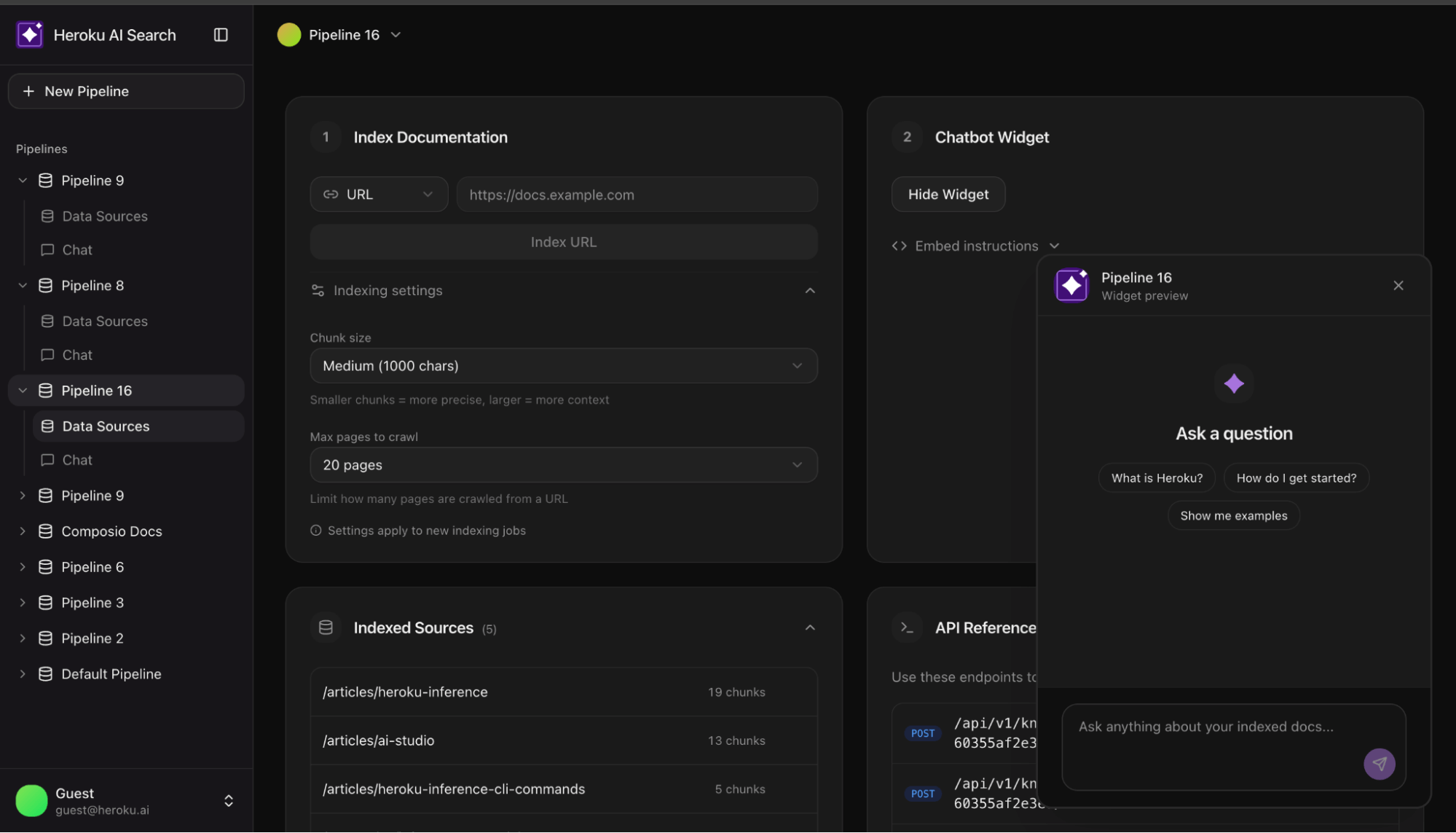
This is the gap between demo and production. Most tutorials stop at vector search. This reference architecture shows what comes next. This AI Search reference app shows you how to build a production grade enterprise AI search using Heroku Managed Inference and Agents.
Why two-stage retrieval
Vector embeddings are coordinates in high dimensional space. Documents close together share semantic meaning. Semantic proximity is a false proxy for accuracy; a document can be ‘close’ in vector space but fail to provide a factual answer. You need a second stage where a reranking model scores each one against the actual query. It asks: “Does this document answer this question?” rather than “Is this document about similar things?”
The difference in result quality is significant. This reference implementation shows how to wire it up and how to make it optional when latency matters more than precision.
Architecture overview
The system consists of two primary pipelines:
- Indexing pipeline: URL → Crawl → Chunk → Embed → pgvector
- Query pipeline: Question → Embed → Vector Search → Rerank → Claude → Answer
Heroku services
| Component | Service | Role |
| Embeddings | Heroku Managed Inference and Agents | Converts text to vectors (Cohere Embed Multilingual) |
|---|---|---|
| Reranking | Heroku Managed Inference and Agents | Scores query document relevance (Cohere Rerank 3.5) |
| Generation | Heroku Managed Inference and Agents | Produces answers from context (Claude 3.5 Sonnet) |
| Storage | Heroku Postgres + pgvector | Stores vectors, runs similarity queries |
Streamlining the stack: Unified provider setup
const heroku = createHerokuAI({
  chatApiKey: process.env.HEROKU_INFERENCE_TEAL_KEY,
  embeddingsApiKey: process.env.HEROKU_INFERENCE_GRAY_KEY,
  rerankingApiKey: process.env.HEROKU_INFERENCE_BLUE_KEY,
});
Indexing: Getting documents in
Crawling real-world sites
Documentation sites are messy. Naive scraping often extracts more navigation links than actual content. The crawler uses a simple heuristic to detect junk:
function isLikelyJunkContent(content: string, htmlLength: number): boolean {
  // If HTML is huge but text is tiny, it's likely boilerplate
  if (htmlLength > 100000 && content.length < htmlLength * 0.05) return true; const navPatterns = ['sign in', 'login', 'menu', 'pricing']; // If the start of the doc is stuffed with nav links return navPatterns.filter(p => content.slice(0, 500).includes(p)).length >= 4;
}
Chunking at natural boundaries
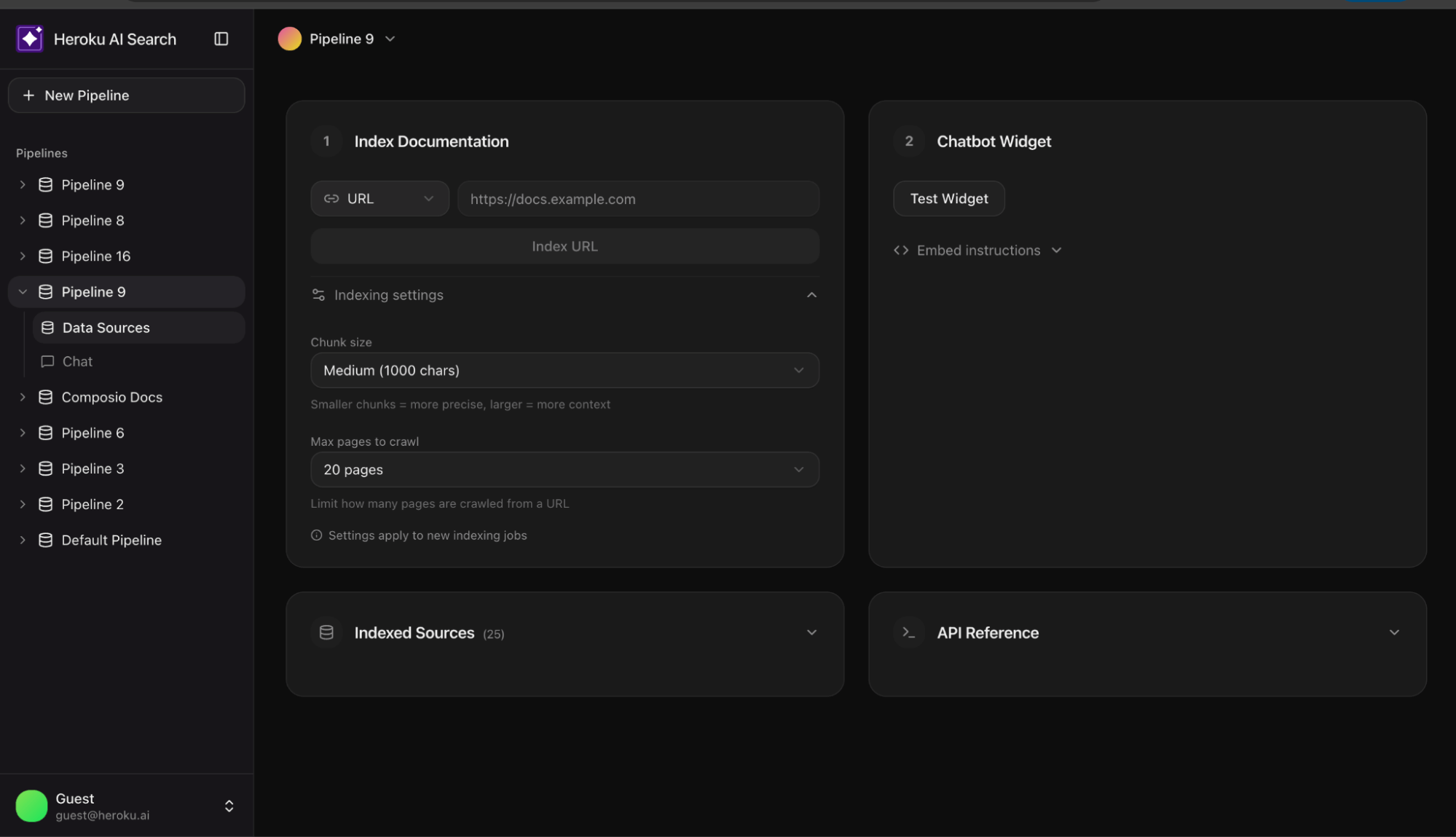
Documents are split into 1000 character chunks with 200 characters of overlap. To avoid losing meaning, we prioritize splitting at paragraph or sentence breaks.
Batch storage with pgvector
The unnest function allows inserting hundreds of chunks in a single SQL query:
  INSERT INTO chunks (pipeline_id, url, title, content, embedding)
  SELECT
    ${pipelineId}::uuid,
    unnest(${urls}::text[]),
    unnest(${titles}::text[]),
    unnest(${contents}::text[]),
    unnest(${embeddings}::vector[])
Retrieval: The two-stage pattern
Stage 1: Vector search
Retrieve the top 20 chunks by cosine similarity. This is fast and scales well in Postgres.
  SELECT content, 1 - (embedding <=> ${vector}::vector) as similarity
  FROM chunks
  ORDER BY embedding <=> ${vector}::vector
  LIMIT 20
Stage 2: Semantic reranking
Pass those 20 candidates to a reranking model. Rerankers use a cross encoder architecture, processing the query and document together to score relevance accurately.
const reranked = await rerankModel.doRerank({
  query,
  documents: { type: "text", values: chunks.map(c => c.content) },
  topN: 5
});

Streaming: Responsive UX
RAG involves multiple steps (Embed → Search → Rerank → Generate). To prevent a “blank screen,” use Server Sent Events (SSE) to stream progress:
send("step", { step: "embedding" });
send("step", { step: "searching" });
send("step", { step: "reranking" });
send("sources", { sources }); // Show sources while LLM generates

for await (const chunk of streamRAGResponse(message, context)) {
  send("text", { content: chunk });
}
Conclusion: Deploy the reference app
Moving from a demo to a production grade RAG system requires bridging the gap between similarity and relevance. This architecture provides a battle tested foundation using Heroku Managed Inference and Agents and pgvector to ensure your search results actually answer user questions. Deploy the reference chatbot today to see how two-stage retrieval transforms your documentation search.
